FAKEYOURDRANK
If you need more information, submit a ticket here: FakeYourDrank Support
Click a payment method below to view step-by-step instructions.
How to Pay with Bitcoin Using Cash App
Cash App allows you to purchase Bitcoin and send it directly to the Bitcoin address provided during checkout.
Step 1: Open Cash App
Open Cash App on your phone and sign in to your account.
If you have never purchased or sent Bitcoin through Cash App before, Cash App may require you to complete identity verification first.
Step 2: Open the Bitcoin Section
Navigate to the Bitcoin section inside Cash App.
Step 3: Purchase Bitcoin
Select Buy Bitcoin and enter the amount you want to purchase.
Make sure you purchase enough Bitcoin to cover your entire order total and any fees displayed by Cash App.
Step 4: Return to Your Checkout Page
After purchasing Bitcoin, return to your order's checkout page.
Your checkout page will display:
- Bitcoin Amount - The exact amount of BTC that needs to be sent.
- Bitcoin Address - The Bitcoin wallet address for your payment.
- QR Code - You can scan this instead of manually typing the address.
Step 5: Send Bitcoin from Cash App
Return to Cash App, open the Bitcoin section, and select the option to Send Bitcoin.
You can then either:
- Scan the Bitcoin QR code shown on your checkout page.
- Copy and paste the Bitcoin address shown on your checkout page.
Step 6: Enter the Bitcoin Amount
Enter the exact Bitcoin amount shown on the checkout page.
Carefully compare the Bitcoin address and Bitcoin amount before continuing.
Step 7: Confirm and Send
Once everything is correct, confirm the transaction inside Cash App and send the Bitcoin.
Bitcoin transactions generally cannot be reversed after they have been submitted.
Step 8: Wait for Confirmation
After sending the payment, keep the Cash App transaction confirmation for your records.
Your order will update after the Bitcoin payment has been detected and the required network confirmation has been received.
Do not send another payment if the order does not update immediately.
Video Guide
Watch the video below for a complete walkthrough showing how to purchase Bitcoin with Cash App and send it using the Bitcoin address provided at checkout.
How to Pay Using Zelle
-
Access Zelle®
Enroll your email address or U.S. mobile number through your banking app or the Zelle app. -
Select the Recipient
Enter the recipient information provided during checkout. -
Enter the Amount
Enter the exact payment amount shown on your checkout page.
Send the payment using the payment processor information displayed during checkout.
After sending the payment, provide the requested payment details including your name, confirmation/reference number, and amount sent.
Once your payment has been verified, your order will be marked as Payment Received.
If you need more information, submit a ticket here: FakeYourDrank Support
LibertyX Bitcoin Guide
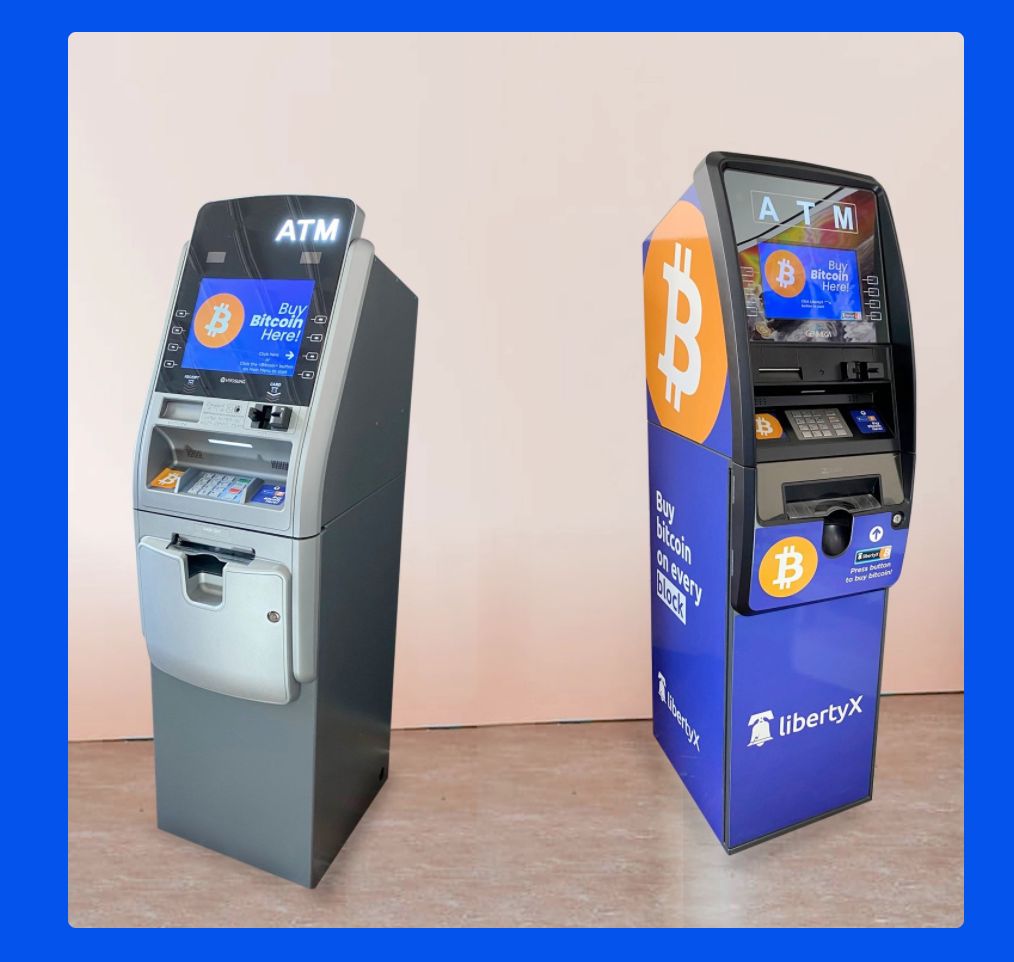
LibertyX allows you to purchase Bitcoin using supported retail locations and payment methods.
Step 1: Download the LibertyX App
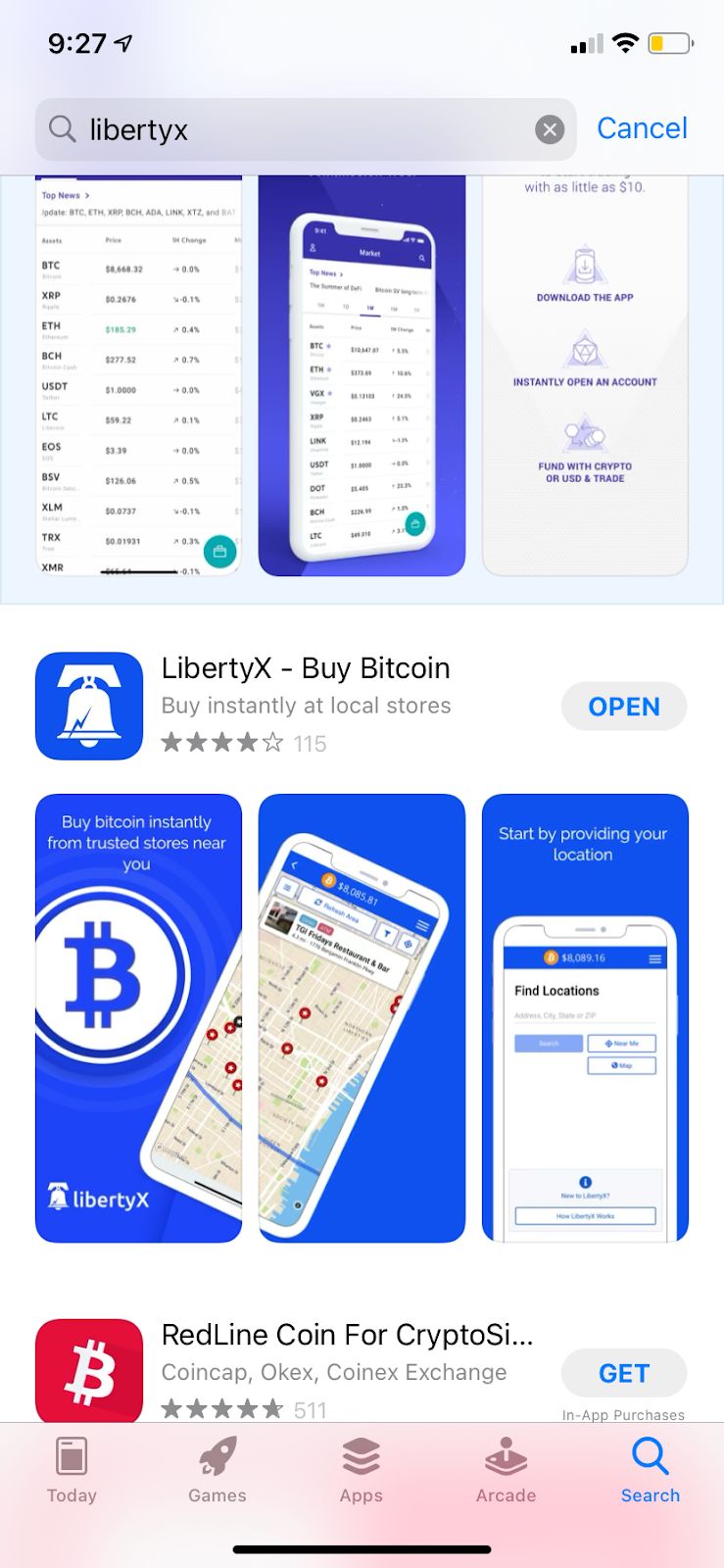
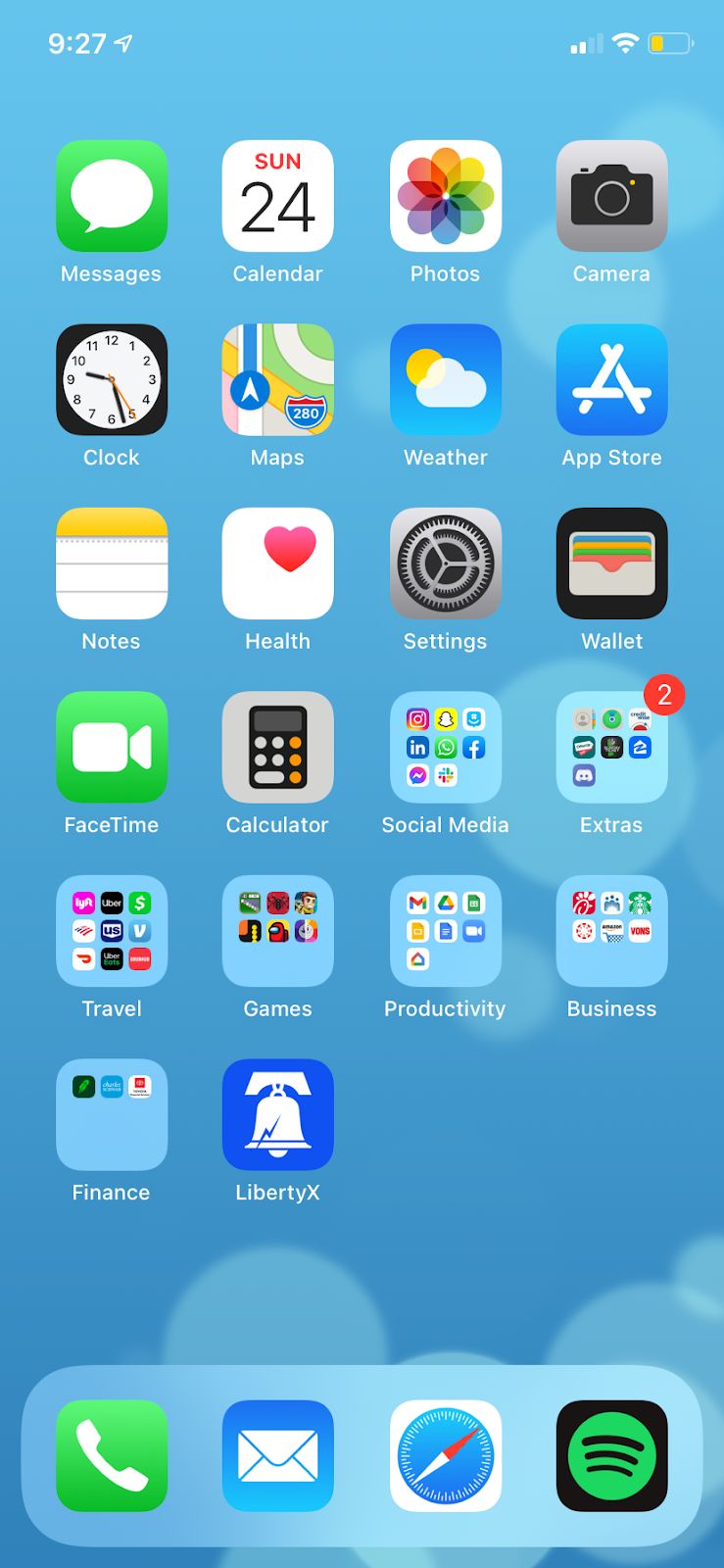
Step 2: Open LibertyX
Locate the LibertyX app on your phone and open it.
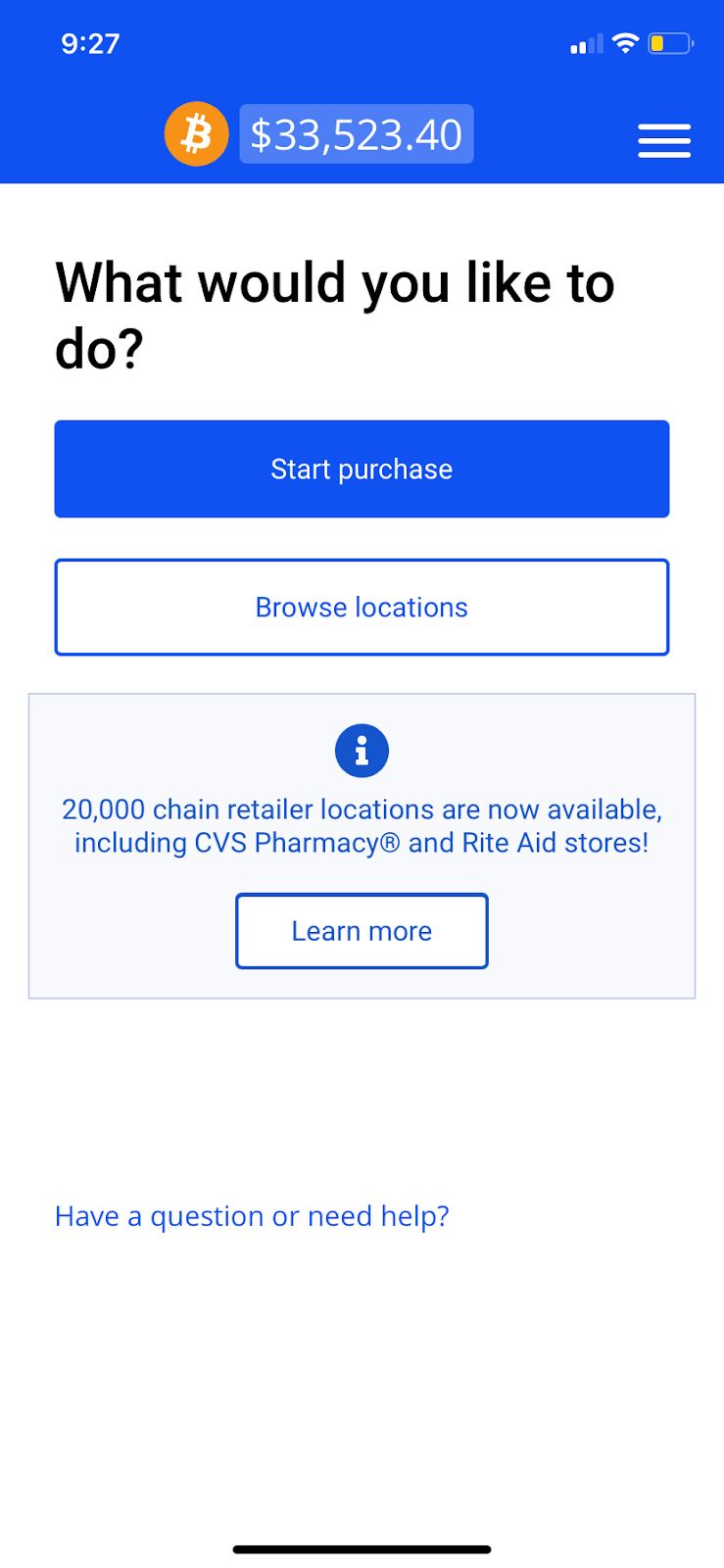
Step 3: Access the App
Open the application and begin the Bitcoin purchase process.
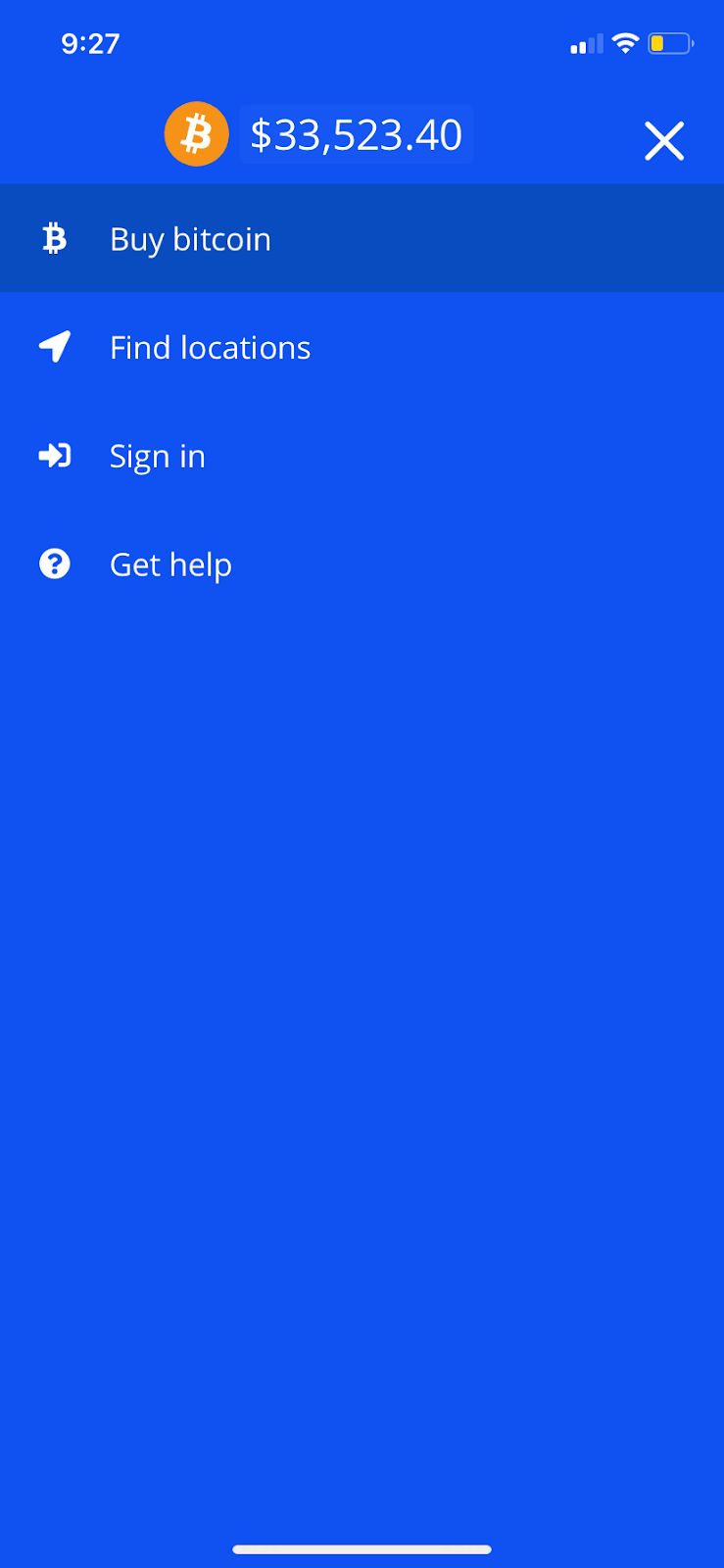
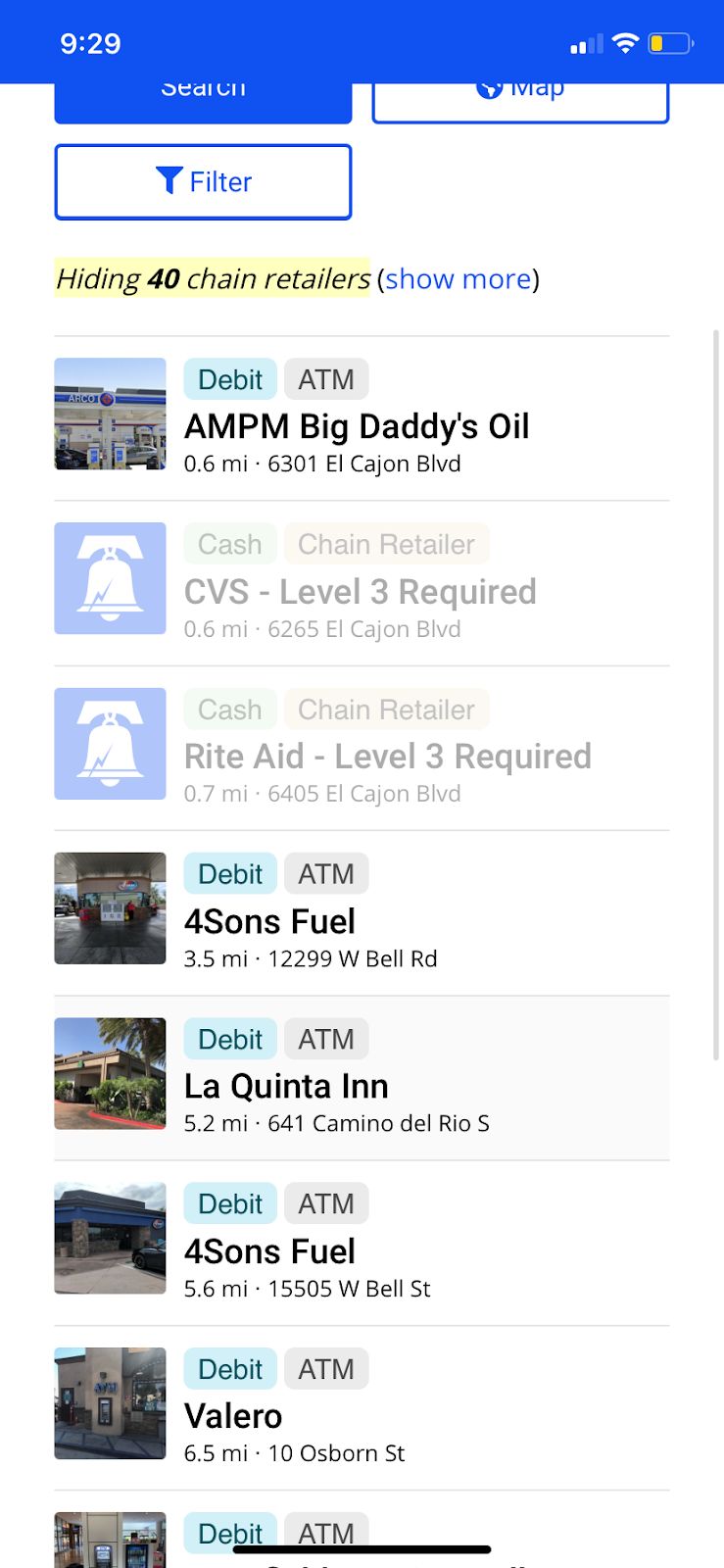
Step 4: Find a Bitcoin Purchase Location
Use LibertyX to locate supported Bitcoin purchase locations.
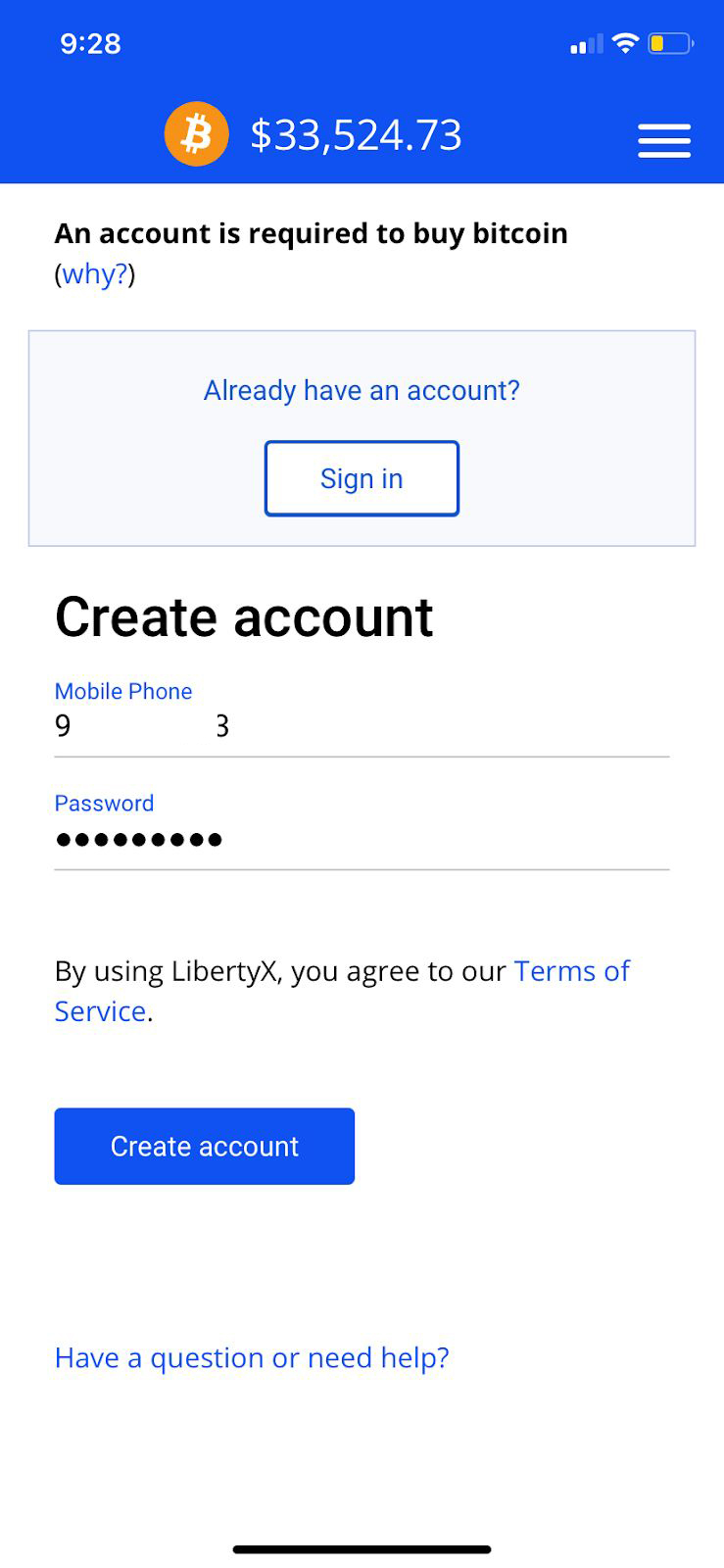
Step 5: Create or Sign Into Your Account
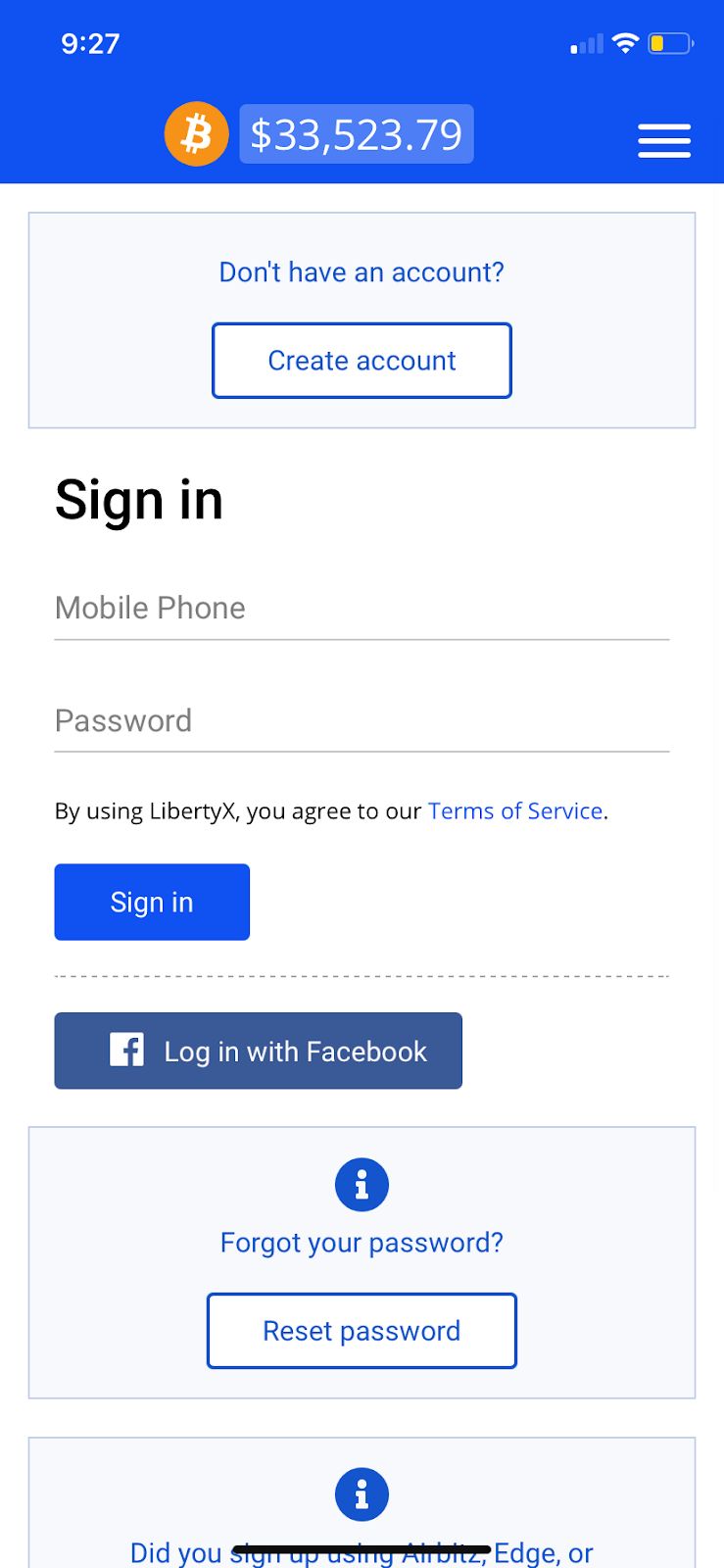
Step 6: Complete Your Account Setup
Follow the prompts inside LibertyX to complete your account setup.
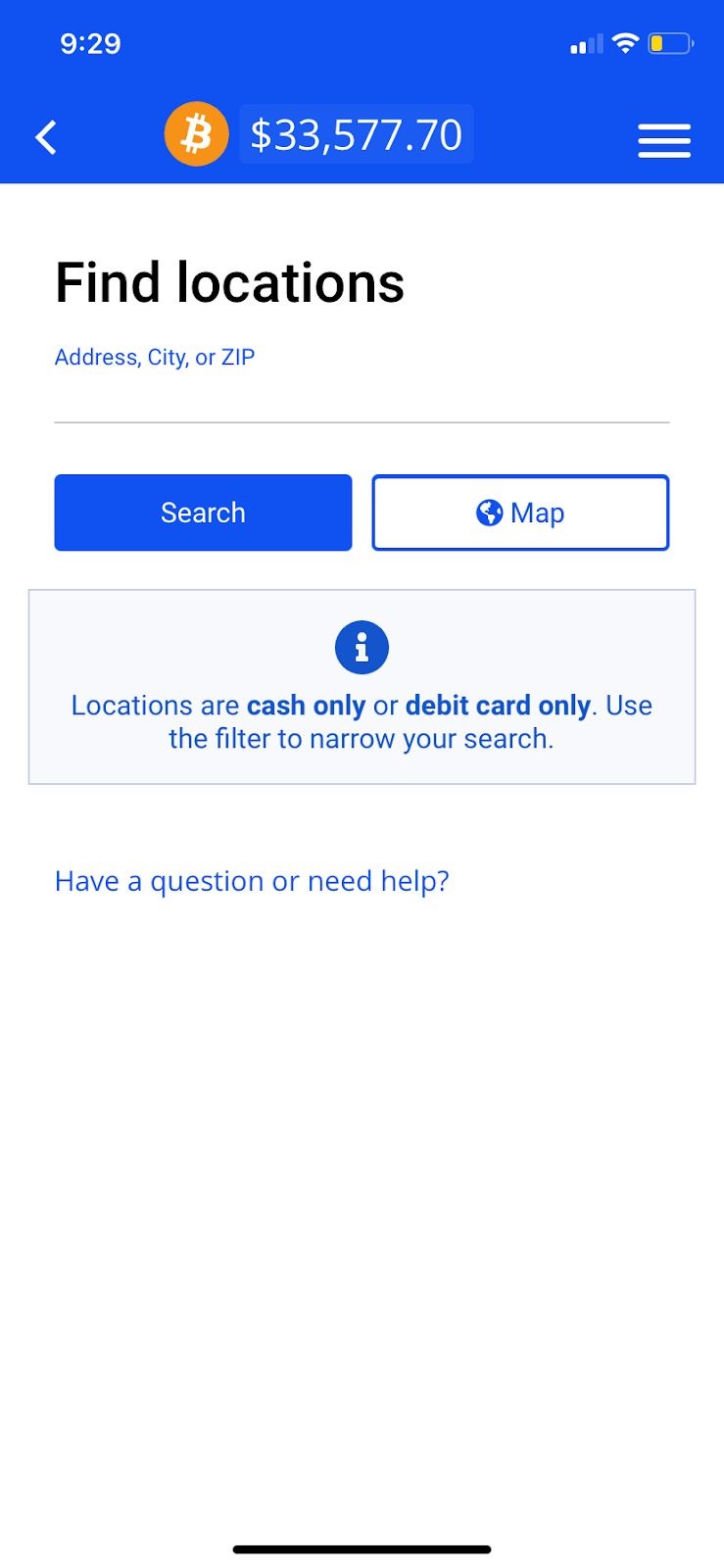
Step 7: Search Nearby Locations
Search by ZIP code, city, or address to locate nearby supported locations.
Step 8: Select a Location
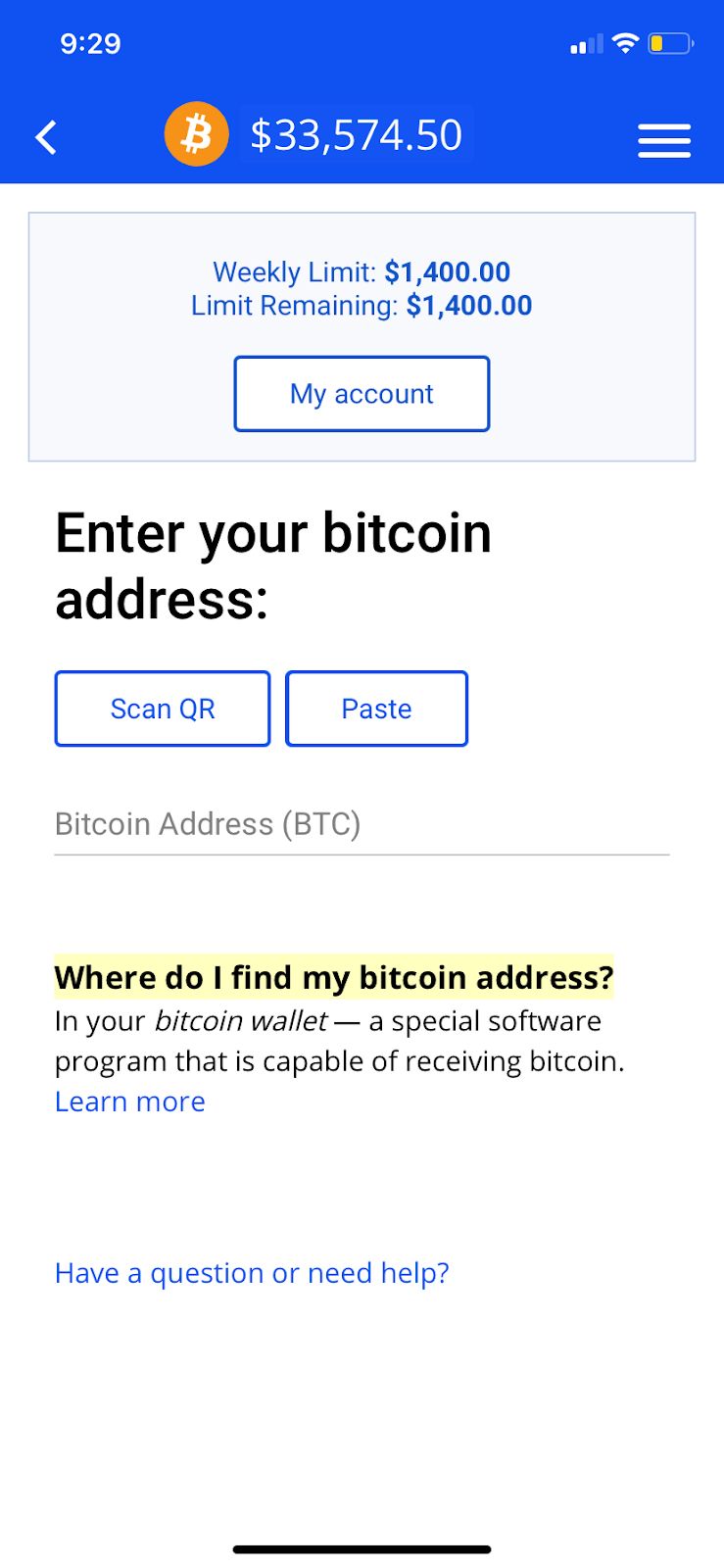
Step 9: Start Your Bitcoin Purchase
Step 10: Review Your Transaction
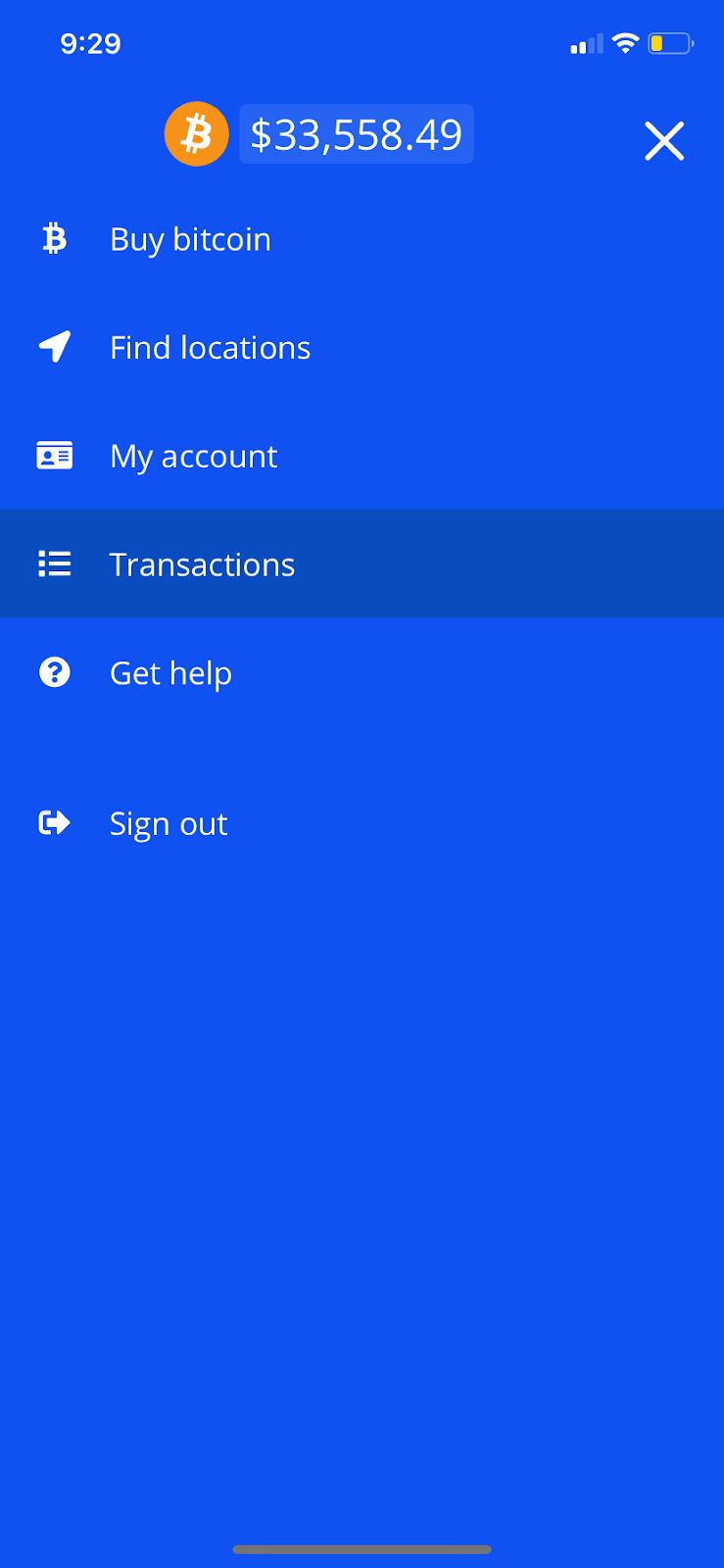
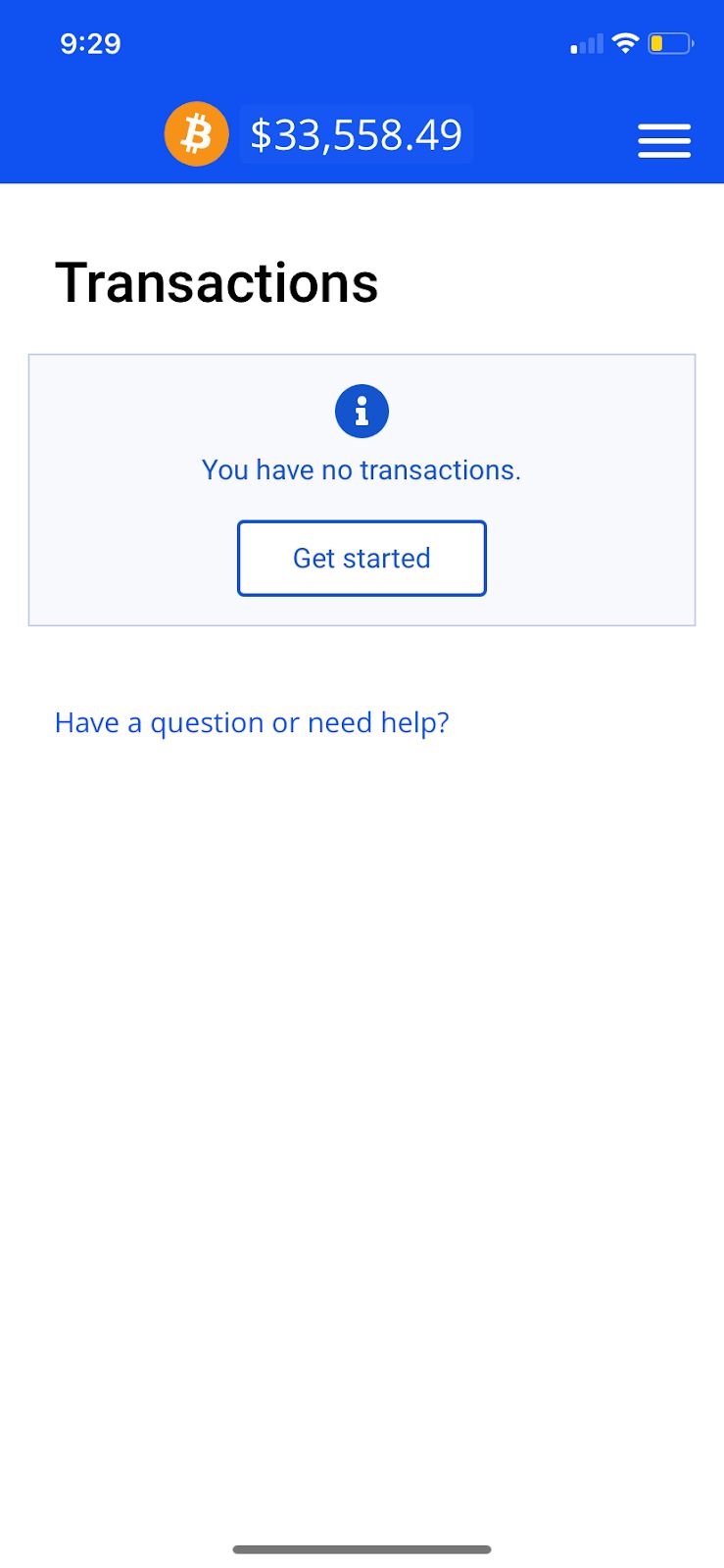
Step 11: Complete Any Required Verification
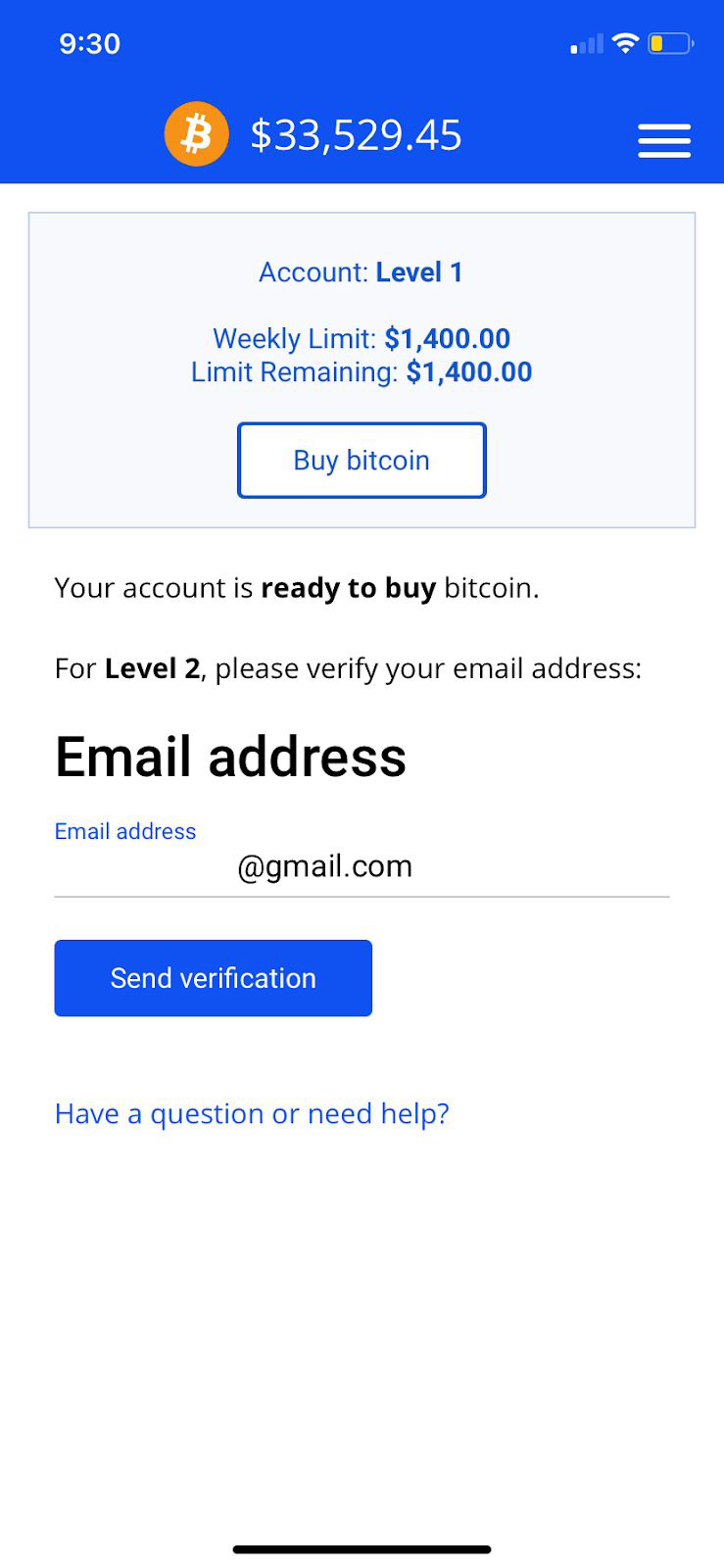
Complete Your Purchase
Follow the instructions provided by LibertyX for the location and payment method you selected.
When LibertyX asks for a Bitcoin wallet address, use the Bitcoin address displayed on your order's checkout page.